Listen, record, and organise — all on one solar-powered device.
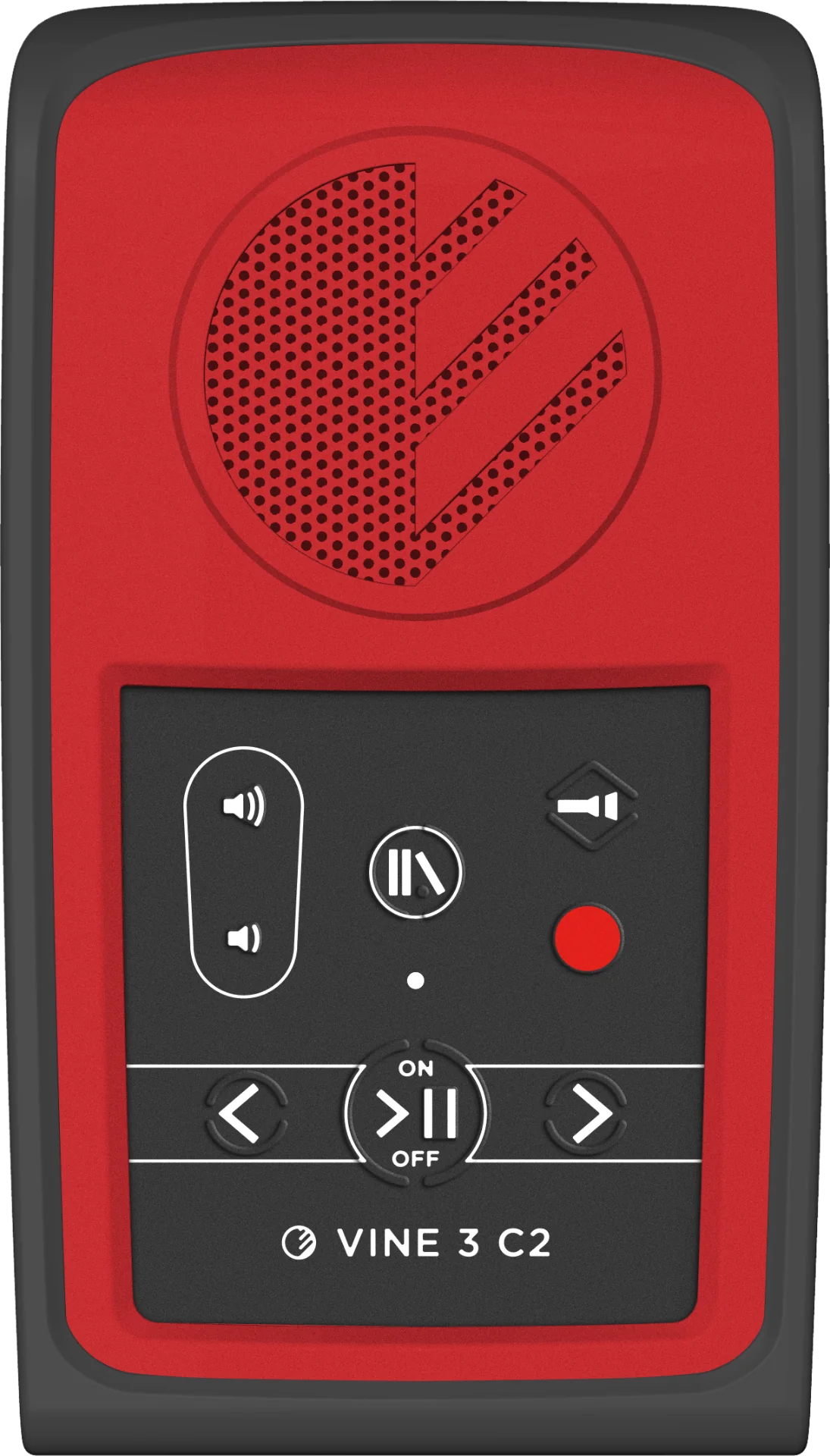
The Vine 3 C2 combines the simplicity of the Vine C1 with an integrated recorder, so users can both listen to content and capture new audio on the go.
- Solar/USB-C
- Flexible charging
- Internal + SD
- Dual storage options
- RECxxxxxx.opus
- Organised recordings
- Dual function: everything the Vine C1 can do for playback, plus on-device recording.
- One-button recording: press Record to immediately start a new recording in the current Publication.
- Accessible controls: tactile buttons, audible prompts, and clear LED status for playback and recording.
- Solar and USB-C power: field-ready operation with flexible charging options.
Pricing
Progressive quantity discounts — the more you order, the less you pay per unit.

1 Unit
$40.00/ unit
Total: $40.00
Single unit at the standard price.
3 Units
Save 8%$40.00 / unit
$37.00/ unit
Total: $111.00
Bundle of 3 units with a progressive discount.
You save $9.00 on this bundle
5 Units
Save 13%$40.00 / unit
$35.00/ unit
Total: $175.00
Bundle of 5 units with a progressive discount.
You save $25.00 on this bundle
Choose your quantity
Set any quantity and get real-time unit price, progressive discount and total.
Unit
$30.00
Total
$300.00
Discount
25%
Why organisations choose Vine 3 C2
The Vine 3 C2 is the right choice when you need both reliable audio playback and simple, structured recording.
One-touch recording
From any mode, pressing the Record button immediately transitions the device into Record Mode and starts a new recording. A chime and a red LED indicate that recording is in progress.
Organised recordings by Publication
New recordings are stored as separate audio files (e.g., REC000000.opus, REC000001.opus, etc.) inside the current Publication folder. You can create new empty Publications directly on the device for grouping recordings.
Flexible input options
An internal microphone is built into the front of the device for everyday recording. If an earphone/microphone combination is connected to the audio jack, the external microphone automatically takes over.
Clear playback navigation
Like the Vine C1, audio is organised into Publications and Sections, with automatic bookmarking by Publication. Two navigation modes on the arrow buttons allow both Section-based jumps and time-based skipping.
How Vine 3 C2 works
Load and manage content
Connect the Vine 3 C2 to a computer using a standard USB Type-C data cable. Use BookSync, DAISY Pipeline, or file-copy tools to load audio content. Supports up to 999 Publications with up to 999 Sections each.
Playback and navigation
Turn the device on; it will preview the first (or last-played) Publication. Use the Bookshelf and arrow buttons to browse Publications and Sections, and press Play/Pause to start playback from the beginning or last bookmark.
Recording and managing new audio
Press the Record button from any mode to enter Record Mode and start a new recording immediately. Click Record again to pause; click once more to resume. When finished, click Record to stop and save the file.
Technical Specifications
Core Specifications
- Device typeSolar audio player and recorder
- Content structurePublications with Sections
- Recording formatRECnnnnnn.opus (sequential naming)
- Playback formatsOpus, MP3, WAV (unsupported files skipped)
Power & Battery
- Battery typeLithium-Ion rechargeable
- USB-C charging~2 hours (5VDC, min 300mA)
- Computer USB~3 hours via USB-C
- Solar charging8+ hours in bright sunlight
Audio & I/O
- SpeakerInternal speaker for personal/group listening
- Audio jack3.5mm stereo (disables internal speaker)
- Internal micFront-mounted for recording
- External micAuto-detected via headset jack
Physical & Build
- MicroSDSupported for additional content
- USB portUSB Type-C for charging and data
- BodyRugged design for field use
- Max structure999 Publications × 999 Sections
Frequently asked questions
Manuals & documentation
Request a quote
For organisations, distributors and volume orders. Our team replies within 24 business hours.